> For AI agents: the complete documentation index is available at /llms.txt, the full documentation bundle is available at /llms-full.txt.
# Connect Tessl to GitHub
Connect a GitHub account or organization so Tessl can scan its repositories and report Context and Findings in your Organization.
## Enable the SCM connection
You need the Organization admin role to manage SCM connections.
- Select your Organization from the dropdown at the top of the sidebar.
- Open **Settings**, then **Integrations**.
- Under **Source control**, select **Add** next to GitHub.
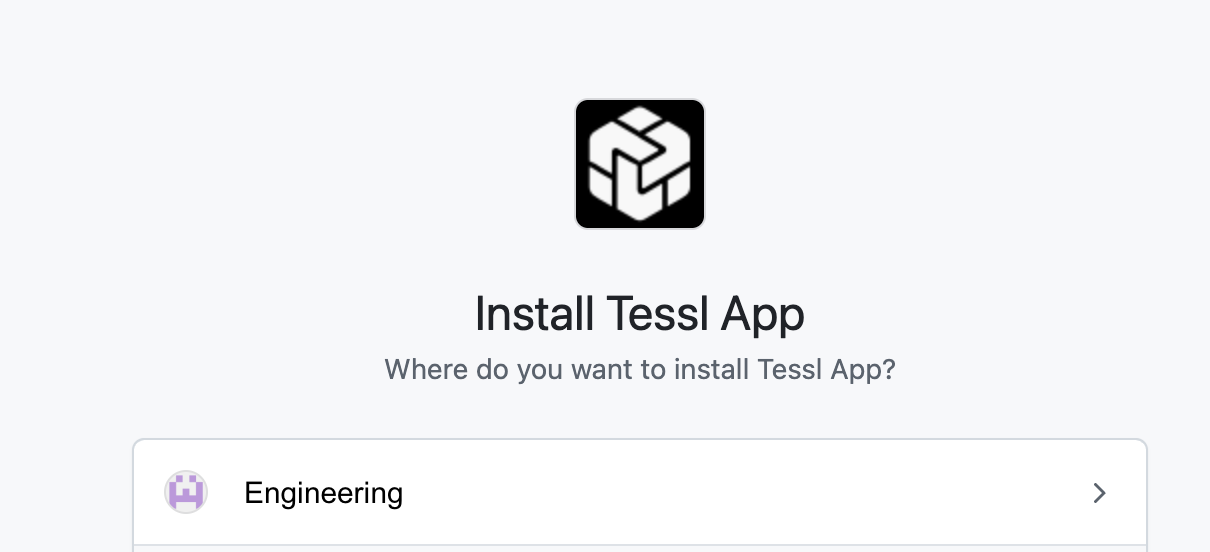
- Select the GitHub organization or account to add Tessl Read-only to. Accounts that already have Tessl will not have the option.
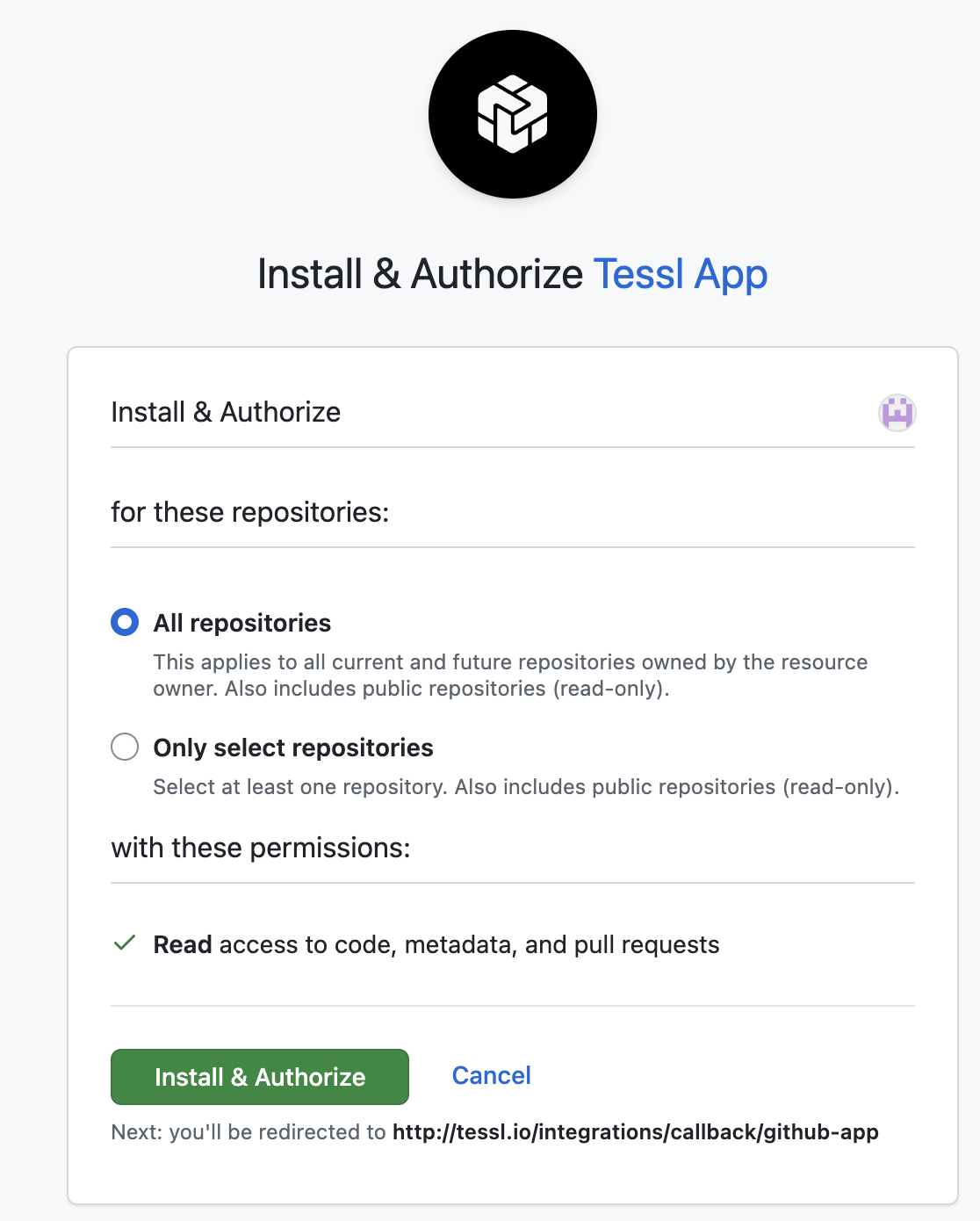
- Decide if you want to authorize Tessl on specific repositories or provide access to everything. Once selected, click _Install & Authorize_
- If the required permissions are available, the Tessl integrations screen shows **Connected**.
After the connection is created, Tessl may start a first scan of the repositories in scope. The connection can show **Connected** before a scan starts or finishes, or when scan provisioning is unavailable. Open the connection to check its scan status, retry a failed scan, or set its **Scan scope**.
## Review Context and Findings
When scan analysis succeeds and your Organization has an active workspace, Tessl starts indexing the repository skills it found. Without an active workspace, the scan still completes and its Context remains available, but indexing does not start. There is no private-indexing opt-in or manual first-party approval step.
Indexing, review, and security scoring run as separate background work. A skill can appear in **Context** before its scores are available, and scoring can fail without removing the Context item. Some advanced Finding details depend on your Organization's plan.
Select your Organization and open **Context** to browse the skills and configuration Tessl observed. Open **Findings** to inspect issues from the latest account scans. Organization members can view both pages. Organization admins can ignore or restore Findings and manage scan settings. See [Roles](/administrators/roles.md).
## Add or remove Repositories when _Only Select Repositories_ are in use.
If you wish to later add repositories, you will navigate to the Tessl app in GitHub:
- Click _Configure_ next to Tessl Read-only.
- Select or remove repositories as needed.
- Click _Save_.
## Troubleshooting
What if the option to **Add** the connection is not available? Confirm that you are an Organization admin, or ask an Organization admin to set up the connection. See [Roles](/administrators/roles.md).


 (1).png)
 (1).png)
 (1).png)
 (1).png)